খতিয়ান অনুসন্ধান Guide 2026 Step-by-Step Online Search
Accessing land records online is now straightforward through official government portals. This guide details how to perform খতিয়ান অনুসন্ধান quickly using the e-Porcha system to view and download your required documents.
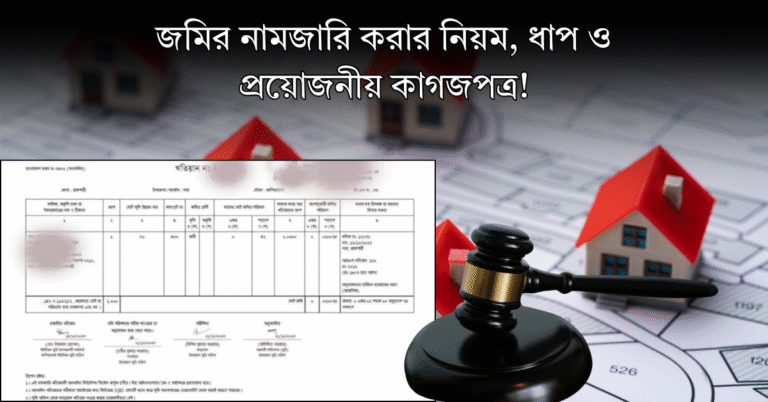
Online খতিয়ান অনুসন্ধান in Bangladesh is now fully digitalized through the official e-Porcha portal (land.gov.bd oreporcha.gov.bd). You no longer need to visit the local land office or rely on third-party brokers to view your records. By navigating the official government portal, you can search, view, and apply for certified copies of your land records right from your computer or smartphone.
Land ownership verification is crucial for safe property buying, bank loans, and legal safety in 2026. Whether you are checking your ancestral property or verifying a new plot, knowing the exact digital workflow saves you time, money, and protects you from fraudulent claims. Let us dive straight into the common pitfalls and the exact steps to get accurate results.
Key Takeaways
- Visit the official e-Porcha website to begin your land record search.
- Select the correct division, district, upazila, and mouza for accurate results.
- Keep your dag number or previous khatian number ready for faster searching.
- Pay official fees online securely via mobile financial services or bank cards.
- Download and print the certified copy of your khatian after payment confirmation.
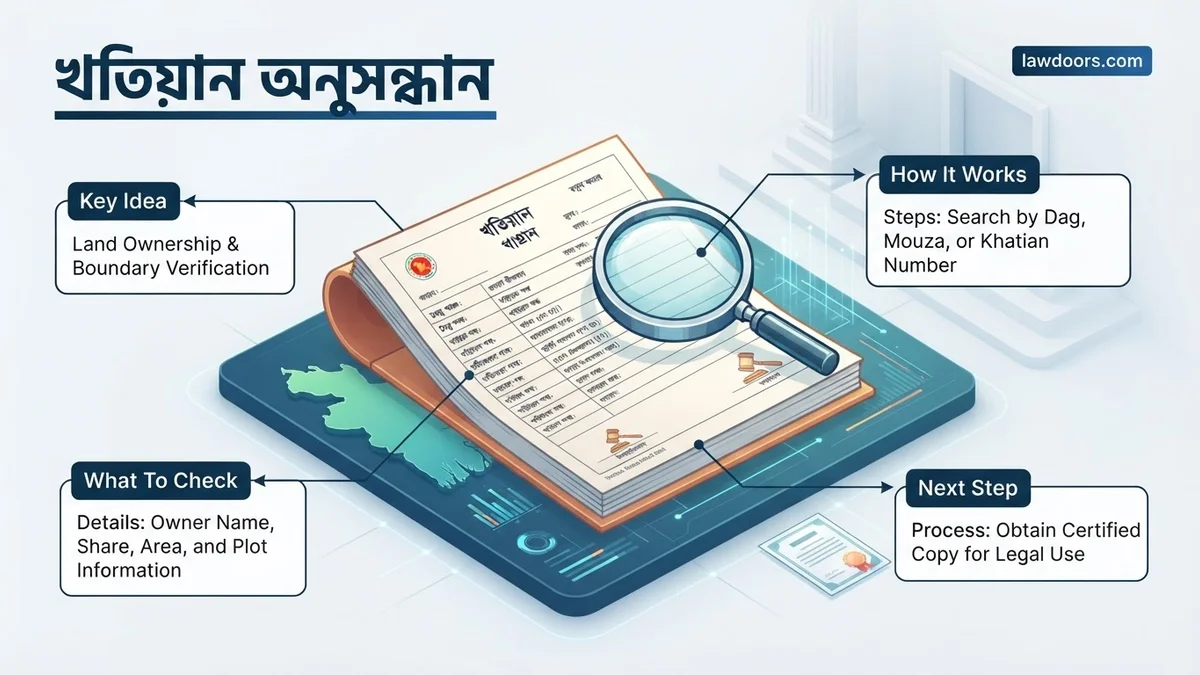
What Causes Incorrect Results During খতিয়ান অনুসন্ধান
Many users fail to find their correct records on the first try due to minor data entry mistakes or system mismatches. Understanding these root causes helps you avoid wasted time.
1. Selecting the Wrong Administrative Location
The digital land database relies heavily on a strict hierarchical location tree. If you select the wrong Division, District, Upazila, or Mouza, the system will either show no results or pull records for a completely different property.
- Selecting an older Upazila name instead of a newly formed one
- Confusing similarly named Mouzas within the same district
- Using local colloquial names for Mouzas instead of official revenue records
2. Mismatch in Ownership Spelling or Dag Numbers
Bengali spelling variations and old numeric entries often create search road-blocks. A slight typo in the owner’s name or entering a survey Dag number from the wrong survey type (like CS instead of RS) yields blank or erroneous pages.
- Typing phonetic Bengali names with incorrect vowel markers (kar-chihno)
- Mixing up Dag numbers with Khatian numbers
- Searching the wrong survey type, such as SA instead of BRS
How to Fix Land Record Search Errors Step-by-Step
When your initial খতিয়ান অনুসন্ধান does not display your expected land record, you need a systematic approach to correct your inputs. Follow these troubleshooting steps to retrieve the right information.
1. Verify Your Mouza and Survey Information First
Before typing anything into the portal, cross-check your old paper documents, previous tax receipts (Dakhil), or CS/SA khatian copies. Ensure you know the exact JL number (J.L. No) of the Mouza, which is a unique numerical identifier that prevents naming confusion.
- Locate the exact JL number from your land tax receipt
- Identify the correct survey khatian type (CS, SA, RS, or BRS/City Survey)
- Double-check whether the property falls under a newly gazetted city corporation or rural union
2. Use Alternative Search Parameters
If searching by the owner’s name fails due to spelling variations, switch your search method. The e-Porcha system allows you to query records using specific targeting fields.
- Search strictly by the Dag number rather than the owner’s name to bypass spelling errors
- Try searching by the specific Khatian number if you have it noted from previous documents
- If searching by name, use only the first name or title to catch variations in recording
Final Thoughts on খতিয়ান অনুসন্ধান
In summary, understanding খতিয়ান অনুসন্ধান is essential for success in this area. Apply these insights to see real results.
❓ Frequently Asked Questions
How can I start my খতিয়ান অনুসন্ধান process online?
To begin, visit the official e-Porcha portal, navigate to the khatian section, and select your specific administrative region including division, district, upazila, and mouza.
What should I do if my mouza is not listed in the dropdown menu?
Ensure you have selected the correct upazila and district. If the specific mouza is still missing, it may fall under a newly formed administrative unit or require offline verification.
How are online fees paid for a certified copy?
Official fees can be paid securely using popular mobile financial services like bKash, Nagad, or through local debit and credit cards directly on the portal.
How long does it take to receive the downloaded certified copy?
Once the payment is successfully verified and processed by the system, you can immediately download the digital certified copy.
Can I search for a khatian using only the owner’s name?
Yes, the portal allows searches by owner name, but providing the dag number or khatian number yields much more accurate and faster results.
What if the online land record contains a mistake?
If you find a discrepancy in the online record, you must apply for a correction through the local land office (Tehsil office) with supporting documents.