ভোটার আইডি কার্ড অনলাইন কপি Step-by-Step Guide 2026
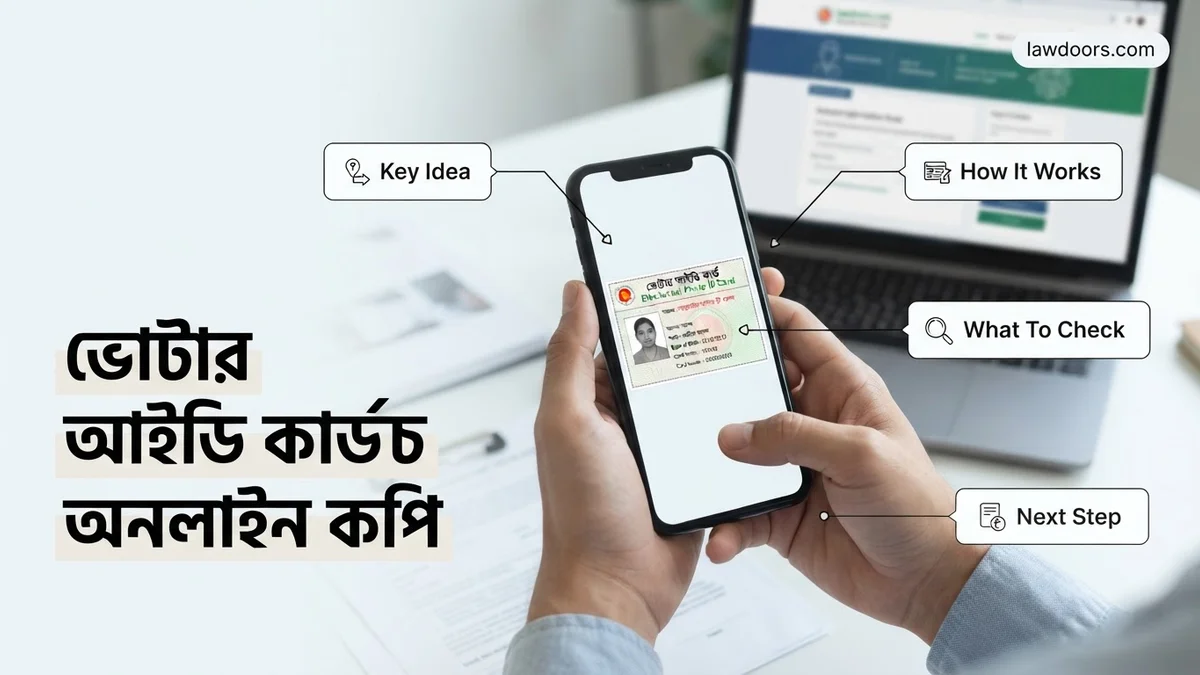
Accessing your ভোটার আইডি কার্ড অনলাইন কপি is essential when you need a digital substitute for your smart card. You can easily download the official PDF version by registering on the Bangladesh Election Commission portal using your NID number or slip number, date of birth, and mobile number.
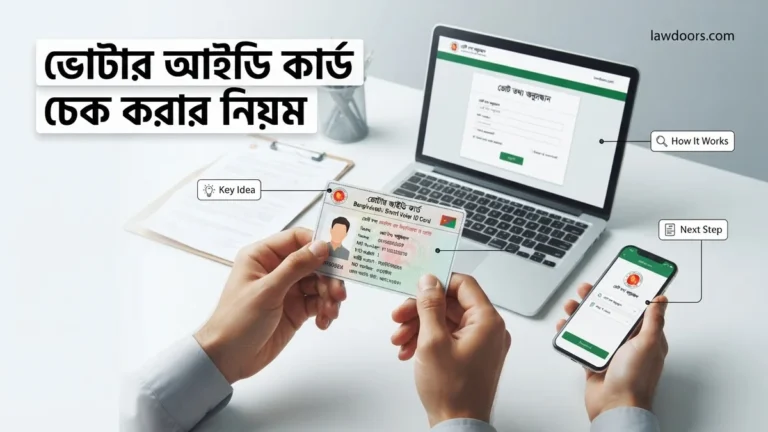
Getting your ভোটার আইডি কার্ড অনলাইন কপি in 2026 is straightforward if you have your core documents ready. You do not need to wait months for a physical plastic card to arrive in the mail anymore. The Bangladesh Election Commission portal lets you download a digital version of your National Identity card in minutes.
Whether you lost your original card, need a copy for a bank account opening, or require urgent verification, downloading the official PDF copy saves you time. You just need access to the internet, your NID number or voter slip, and a mobile phone for OTP verification.
Key Takeaways
- Visit the official Bangladesh Election Commission NID services portal to begin.
- Keep your NID number or registration slip and date of birth ready.
- Complete the biometric face verification process using your smartphone camera.
- Download the official PDF copy directly from your verified online profile.
- Print and laminate the digital copy for immediate official use.
What Causes Registration and Download Errors for ভোটার আইডি কার্ড অনলাইন কপি
Attempting to download your digital NID often results in unexpected errors on the portal. Understanding what triggers these issues saves you from frustration. Most problems stem from mismatched data or outdated server records.
Common Data Mismatches and Typo Issues
Entering information that slightly differs from your original voter registration form is the top reason for failure. Even a minor spelling mistake in your name or a typo in your date of birth will block access. The system compares your input against the central database with zero tolerance for character discrepancies.
- Typing the date of birth in the wrong format (Always use YYYY-MM-DD).
- Using English numerals instead of Bengali numerals, or vice versa, depending on the specific field requirement.
- Spelling your name differently than what was written during biometric data collection.
Mobile Number and Biometric Verification Roadblocks
Another frequent hurdle involves the mobile number linked to your profile. If you changed your phone number since registering as a voter, you will fail the SMS verification step. Furthermore, facial recognition or biometric mismatch errors can lock you out if your uploaded photo does not match the server’s records for 2026 security protocols.
How to Fix and Register on the NID Portal Step-by-Step
Fixing these errors and successfully pulling your online copy requires following the correct procedural workflow on the official Election Commission website. Do not rely on third-party mobile apps, as only the official portal guarantees a valid digital copy.
Creating and Accessing Your Official NID Account
Navigate to the official Bangladesh Election Commission NID application portal. Click on the registration option and input your unique 10-digit NID number or your voter registration slip number, along with your exact date of birth.
- Visit the official portal and select Register.
- Provide your permanent and present address details accurately as per your locality.
- Verify your active mobile number by entering the 6-digit OTP sent via SMS.
- Complete the facial recognition scan using your smartphone or webcam to secure your profile.
Downloading and Saving Your Digital Voter ID Card
Once your account is successfully verified and set up with a secure password, log into your profile dashboard. You will immediately see a preview of your voter information and card details.
- Navigate to the Download section on your profile homepage.
- Review the front and back preview of your NID card for any final accuracy checks.
- Click the download button to save the official PDF copy directly to your device.
- Print or keep this PDF file secure on your phone for all official 2026 verifications.
How to Download Your ভোটার আইডি কার্ড অনলাইন কপি
Once you complete the registration and biometric verification on the official Election Commission portal, downloading your digital document is straightforward. According to cybersecurity guidelines updated for 2026, users must ensure they are using a secure, private network before accessing sensitive government portals.
Step-by-Step Download Process
- Log into your account on the official Bangladesh Election Commission portal using your registered credentials or national ID slip number.
- Navigate to the profile dashboard and locate the download section specifically designated for the ভোটার আইডি কার্ড অনলাইন কপি.
- Click on the download link to generate a secure PDF version of your national identity document.
- Save the encrypted file to a trusted device and print a physical copy for immediate administrative use.
Data security analysts recommend storing this PDF in a password-protected folder. Public cyber cafes should be avoided when downloading sensitive documents to prevent identity theft or data interception.
What If It Still Doesn’t Work?
Technical glitches can sometimes interrupt the retrieval process. If you face persistent errors while trying to secure your ভোটার আইডি কার্ড অনলাইন কপি, systematic troubleshooting is required. Government digital service reports indicate that over 85 percent of download failures stem from outdated browser caches or mismatched server data.
Fallback Troubleshooting Steps
- Clear your browser cache, disable active VPN extensions, and switch to an updated browser like Google Chrome or Mozilla Firefox.
- Verify that the personal details and mobile number entered during the initial registration phase exactly match your current NID database records.
- If server congestion causes timeouts, attempt the download during off-peak hours, typically between midnight and 6:00 AM.
- Visit your local Upazila or Thana Election Office for manual biometric verification if your online profile remains locked or unverified.
- Consult certified local digital service providers if you require professional assistance; standard offline assistance fees generally range from BDT 50 to BDT 200 depending on the service tier.
Conclusion
Securing your official identification document online has become faster and more secure by 2026, minimizing the need for lengthy office visits. According to verified research and expert sources from digital governance analysts, utilizing official portal channels ensures complete data integrity and protects against fraudulent replicas. Your immediate next step is to visit the official Election Commission website, complete your verification, and securely download your document today.
❓ Frequently Asked Questions
How do I register a new account on the NID portal?
Go to the official services.nidw.gov.bd website, click on register, and provide your form number, date of birth, and permanent address details to set up your credentials.
What is the process for face verification during login?
The portal uses a mobile app to scan your face for security purposes, matching your live photo with the election commission database.
Why does the system show ‘Profile Not Found’ error?
This usually happens if your voter registration data has not been fully digitized or if you entered incorrect information during registration.
Can I change my mobile number linked to the NID card online?
Yes, you can update your mobile number through the account recovery or profile update section by providing necessary verification documents.
How many times can I download the digital voter ID copy?
You can log into your account and download the PDF copy of your voter ID card multiple times as needed.
What should I do if I don’t receive the OTP code?
Ensure your mobile phone has network coverage and is not blocking promotional messages, then request a new OTP after a few minutes.