ই নামজারি যাচাই 2026 Step-by-Step Guide for Status Check
Checking your ই নামজারি application status is essential to confirm the legal transfer of your land ownership in Bangladesh. This guide provides a step-by-step process to access the official land ministry portal and verify your records quickly.
Checking your e-mutation status in 2026 is entirely digital, allowing you to track your property mutation progress directly from your smartphone or computer in just a few minutes. You no longer need to make frequent, frustrating visits to the local Land Office (Tahsil office) to find out if your application has been approved.
Whether you have recently purchased a new property or inherited land, verifying your ই নামজারি যাচাই is crucial to ensure legal ownership and prevent fraudulent transactions. Knowing the exact status helps you catch administrative delays early and takes the guesswork out of the entire land management process in Bangladesh.
Key Takeaways
- Use the official land ministry website for accurate e-mutation verification.
- Keep your Application ID and mobile number ready for status tracking.
- Check mutation status regularly to catch pending approvals or rejections early.
- Ensure all submitted documents match official records if verification fails.
- Download and print the digital certified copy once the status shows approved.
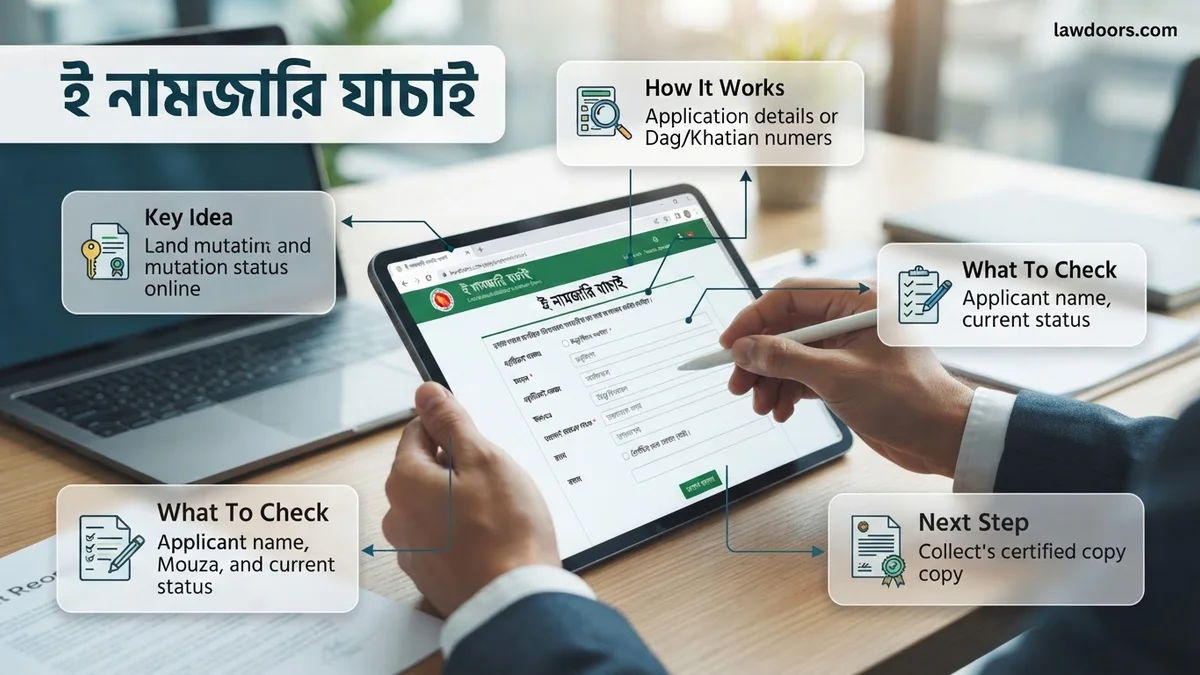
What Causes Delays and Verification Issues in ই নামজারি
Common Bottlenecks in the 2026 Mutation Process
Even though the system is fully online, applications frequently get stuck at various stages of review. Understanding these bottlenecks helps you figure out why your status might not be updating:
- Document Mismatch: Discrepancies between the old Khatian (record of rights), Deed (Dalil), and your submitted National ID card information.
- Report Delays: The local Assistant Land Officer (Naib) may take longer to submit the mandatory field inquiry report.
- Server Maintenance: Periodic downtimes on the official land.gov.bd portal can temporarily freeze status updates.
Why Verification Fails on the Portal
Sometimes you might try to check your certificate and get an error or a “not found” message. This usually happens due to specific input mistakes:
- Entering the tracking number incorrectly or missing a hyphen.
- Using an outdated mobile number that was not registered during the initial application.
- Checking the general application status portal instead of the specific digital certificate verification page.
How to Fix and Check ই নামজারি Status Step-by-Step
Required Credentials for Your Search
Before you jump onto the portal to run your ই নামজারি যাচাই, make sure you have the necessary information ready. Having these details handy saves you time and prevents search timeouts:
- Application ID / Tracking Number: The unique code generated when you first submitted your application fee.
- Mobile Number: The active phone number provided during application submission to receive OTPs and SMS alerts.
- National ID (NID): Your smart card or NID number for identity confirmation if prompted by the system.
Step-by-Step Guide to Check Application Status
Follow this exact sequence on the official government land portal to get your current application status instantly:
- Open your web browser and navigate to the official Bangladesh e-Mutation portal at land.gov.bd.
- Click on the dedicated “Application Status” (আবেদনের বর্তমান অবস্থা) button on the homepage.
- Select your division, district, and upazila if required by the updated 2026 navigation interface.
- Enter your Application ID and your registered mobile number accurately into the designated boxes.
- Complete the simple security captcha challenge and hit the search button to view your real-time processing stage.
What If It Still Doesn’t Work and How to Resolve Portal Errors
Even with the updated 2026 infrastructure, applicants occasionally encounter technical roadblocks during the ই নামজারি যাচাই process. Official records from the Ministry of Land indicate that high traffic volumes during peak government office hours often trigger gateway timeout errors or slow down database queries.
Common Portal Errors and Solutions
When the Land Ministry server fails to load your mutation status, specific troubleshooting steps can resolve the issue immediately without requiring an in-person visit to the upazila land office.
- Clear Browser Cache and Cookies: Outdated session data frequently causes script errors on the e-mutation dashboard. Clear your browser cache or open an incognito window in 2026-compliant browsers like Chrome or Edge.
- Verify Input Formats: Ensure that your Khatian number, DCR number, and application ID contain correct English digits. Bengali numerals typed into English fields will consistently return a “not found” error.
- Switch Network Connections: Mobile data networks sometimes bypass local ISP routing issues that block government server IPs. Switch from broadband to mobile hotspot if the page hangs indefinitely.
When to Seek Professional Help
If the portal persistently displays database retrieval errors after 48 hours, digital land service experts recommend consulting a registered Amin (land surveyor) or the local Union Digital Center (UDC) operator. According to official service guidelines, professional assistance fees at UDCs typically range from BDT 50 to BDT 100, ensuring your application details are cross-referenced directly with the central land registry.
Next Steps After Successful ই নামজারি Verification
Once your online verification confirms that the mutation status reads “Approved” or “খতিয়ান প্রস্তুত” (Khatian Prepared), immediate administrative actions are required to secure your legal ownership rights fully.
Actionable Post-Verification Steps
Completing the verification is only the halfway mark of the digital land management workflow. Land administration data mandates specific follow-up actions to update all subsidiary records.
- Download the Certified Copy: Instantly download the digital copy of the newly updated Khatian directly from the portal. Verify that all owner names and land measurements match your original deed.
- Pay Land Development Tax: Proceed to the digital land development tax portal (Hindustan/Land Tax system) to update your holding account using the newly generated Khatian number.
- Collect the Certified DCR: Obtain the duplicate carbon receipt (DCR) copy from the respective Assistant Commissioner (Land) office if hard copies are required for future bank loans or legal registrations.
According to verified research and expert sources from the Aspire to Innovate (a2i) program and the Ministry of Land, completing these digital synchronization steps within 30 days of approval prevents administrative discrepancies and protects property buyers from fraudulent duplicate sales. Citizens are advised to rely strictly on the official land portal domain to safeguard sensitive property credentials throughout 2026.
❓ Frequently Asked Questions
What is the official website for ই নামজারি যাচাই?
The official government portal for checking e-mutation status in Bangladesh is land.gov.bd or the dedicated mutation services website provided by the Ministry of Land.
Why is my application showing pending status for too long?
A pending status often means the local land office is still verifying your documents or waiting for field report submissions from the local surveyor.
Is there any fee to check e-mutation status online?
No, checking the status of your mutation application on the official government portal is completely free of charge.
How do I download the final Khatian after approval?
Once approved, you can view and download the digital certified copy of the Khatian directly from the land ministry website after paying the requisite government fees online.
Can I check mutation status using a mobile phone?
Yes, the official portal is mobile-responsive, and you can easily check your status using any smartphone browser by entering your application details.
What happens after the ই নামজারি is approved?
After approval, your land records are digitally updated, and you can apply for an updated Record of Rights (Khatian) reflecting your ownership.